
Homeschool classes · Primary
Small live classes during the school day, at your child's level.
Find a class →I'm Matt, a primary teacher of 15 years. While I teach, Brink, the AI built into each student's whiteboard, speaks to them, writes and draws on their board, like an assistant teacher beside every student.
Live, with me teaching · First two weeks free · No card needed to start · Join any week
For families
Small live classes during the school day, at your child's level.
Find a class →A boost in maths or English after school.
Register interest →Practice for selective school and scholarship tests, with help on every question.
Register interest →Maths and English help for high school students.
Register interest →For schools and organisations
Your teachers run their own lessons on Brink, and every student gets help on their own board.
Talk to me →Run your own live courses on Brink, with every learner getting help as they work.
Talk to me →Illustrative examples from test lessons, not real students' work. Some parts are sped up.
I work through it on the board, then send the page to every student's board.
When they pause or press Brink!, it points to where to look, asks a question or shows a similar example, without doing it for them. No marks, no rankings, and no one else sees their hints.
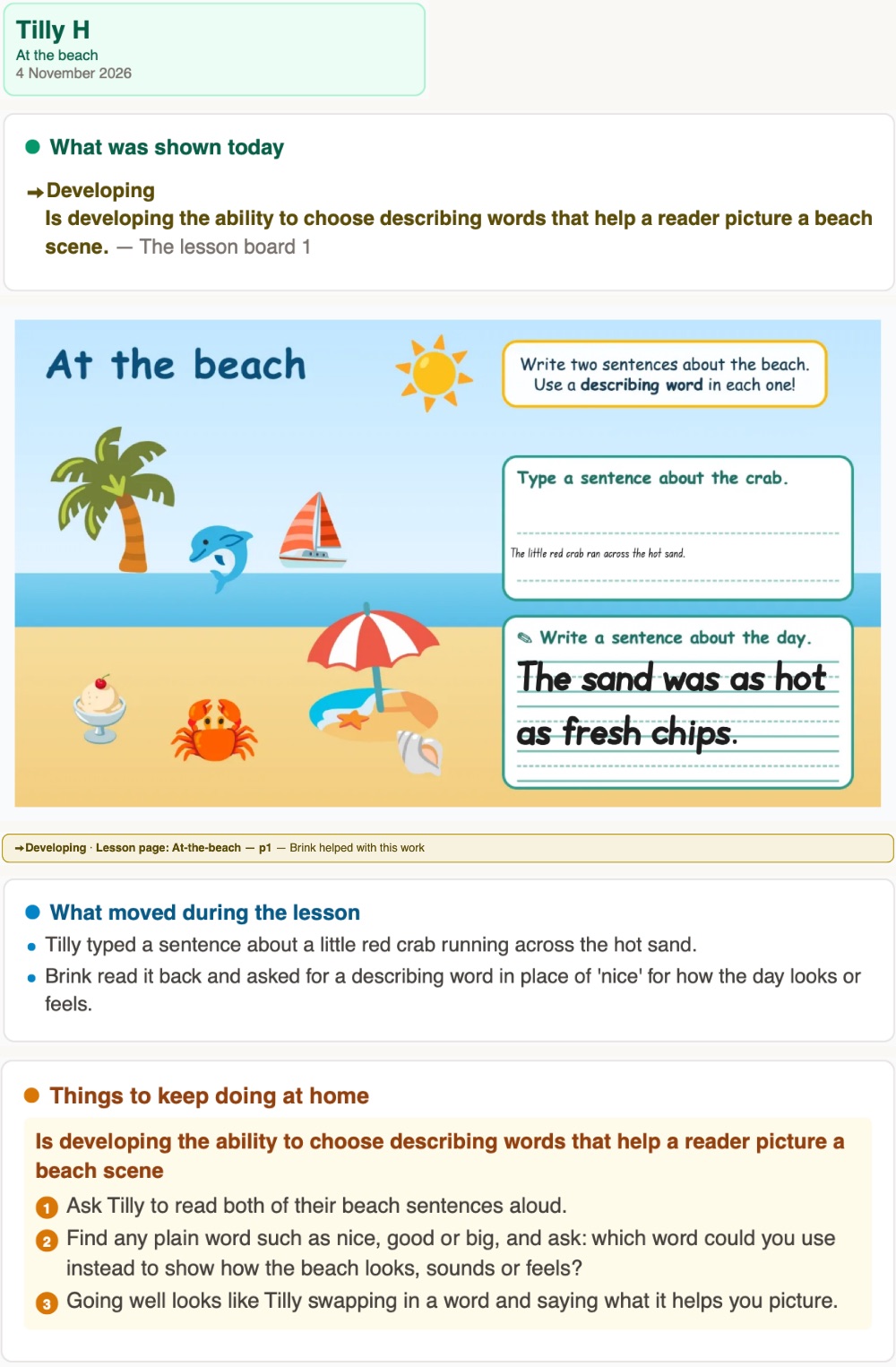
After each lesson you get a short written report, with the boards it came from.
[quote, pending permission]
In my first year of teaching I realised that what I'd learned at uni assumed a perfect classroom: work pitched to every child, feedback as they go, a check-in with each one. In a real class of 25 to 30, at different levels and paces, one teacher can't do that for everyone at once. The quick ones wait for their next challenge, and the ones who are stuck fall further behind.
I've spent 15 years finding ways around that: a laptop program and website for my stage, self-marking maths tests my team adopted, a coding program for the whole school. When I helped my sister home-educate her five kids, I saw the same problem from the parent's side. Brink is the answer I've been working towards. I still teach every class myself, and every student gets help at their own level the moment they need it.
Matt Wells
Bachelor of Arts with a Diploma of Education (Primary), Macquarie University
Accredited teacher (Proficient Teacher), NSW Education Standards Authority (NESA)
Working With Children Check, Office of the Children's Guardian (NSW)
Since 27 October, across 10 live lessons, Brink has given students 159 pieces of feedback to support or extend their thinking, usually within seconds, and set 212 extra tasks at each student's level.
Counted on 4 November 2026.
Per child, per week.
A$34 a week
A$49 a week
Full access to the whole timetable. Join as many classes as suit your child.
You only pay for the weeks your child does. First two weeks free, no card needed to start. Ask me about sibling pricing.
An hour, at the same time each week, in a focused group.
Each child works on their own board, and no one else sees their work or their hints. There are no marks or rankings, and your child doesn't need a camera or microphone. You're welcome to sit with them. Tell me in the form how they learn best, and I'll find the right group.
No. When your child gets something right, their next task steps up, and quick finishers get a harder challenge while the group carries on. The warm-up at the start of each class also adjusts to where they're up to.
Brink sits on your child's board. When they're stuck it gives a hint or a smaller step. If they've had a real go and are still stuck, it shows the answer, then gives them a similar, easier one to try. I see every board throughout the lesson.
The first two weeks are free. If it's not right, tell me and you won't be charged.
During the school day. The form asks your state and when your child is busy, so I can find a group at a time that suits you.
A laptop or tablet with an up-to-date browser. Sound on, or headphones, so they can hear me and Brink: Brink says its hints aloud and shows them on screen too.
Classes run on Google Meet alongside the whiteboard, so you can see who's teaching and your child can hear me. Cameras and microphones are optional for students.
It's stored in Australia and used only to run lessons and reports. The AI services that read the boards are set to keep nothing and never train on it. I use your details to reply to you and to take payment. Ask any time and I'll delete them.
Yes, ask me.
For organisations: teams who teach online can ask about using Brink for their own lessons. Email Matt.